


Draw together
Choose blocks or stringers. Palo guides you from the top deck to the base.
Wooden pallet design software · 3D and technical drawings
Palo asks for your dimensions and helps you build your pallet. Create a 3D view, dimensioned technical drawing and branded quotation from the same design.
✦ What can Palo help you do? ↓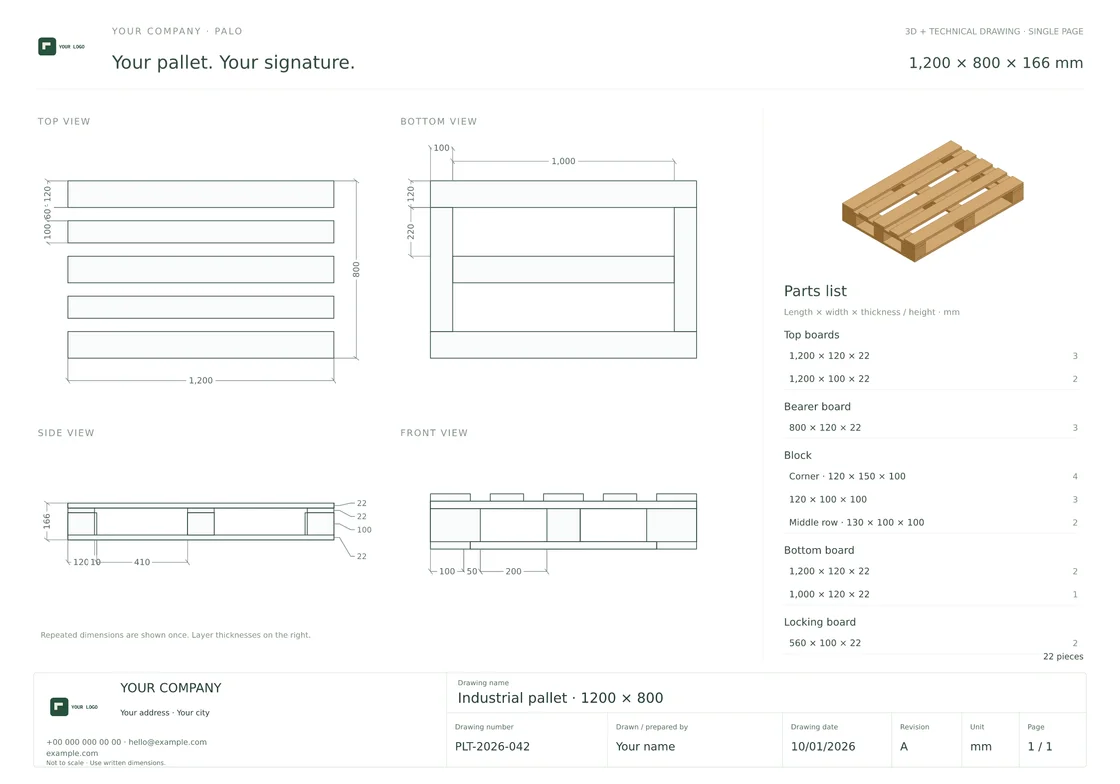
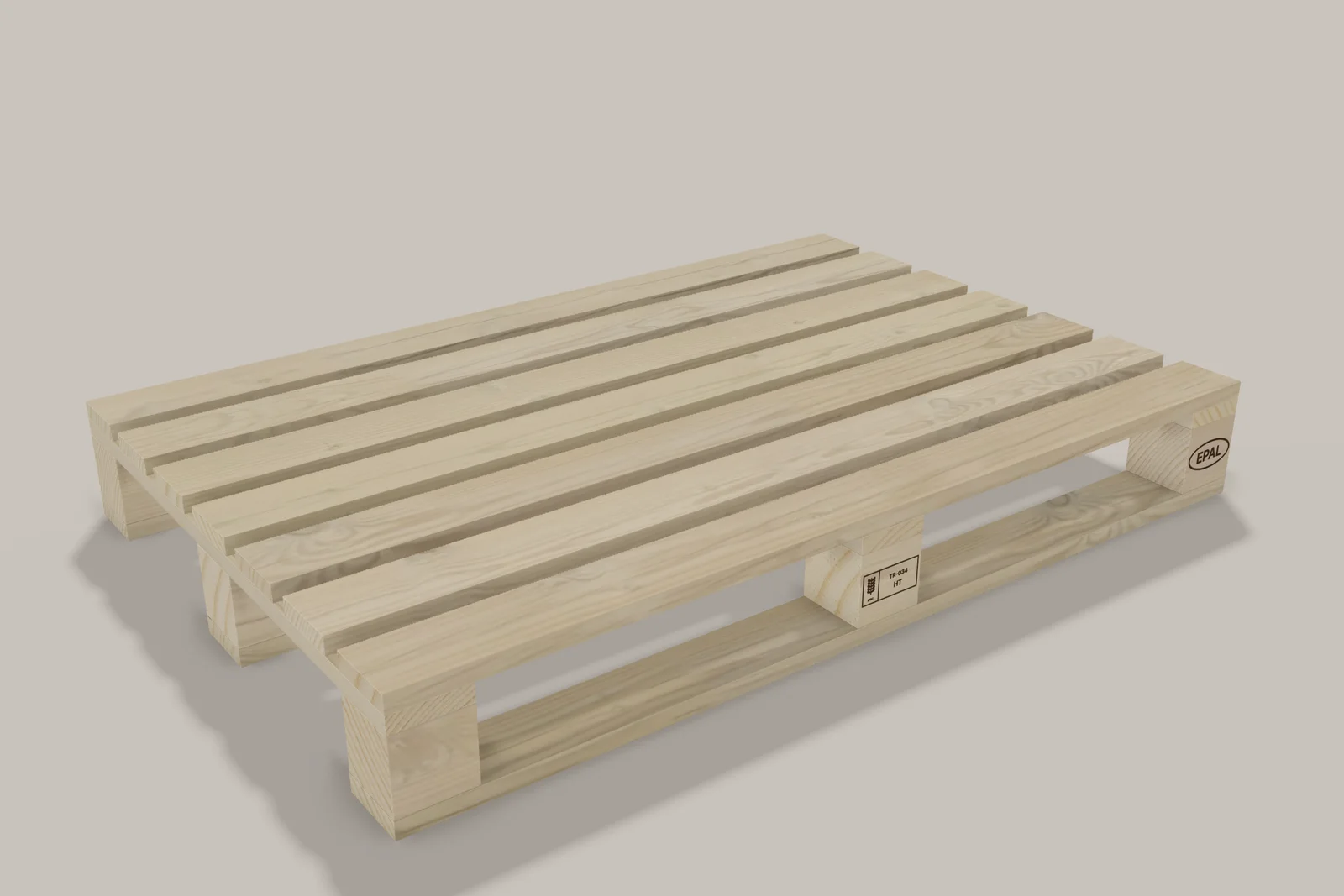
Hi, I’m Palo. Let’s draw a pallet together.1200 × 800 mm · 3D + PDF
PALO AI · AI help for your drawing
Change dimensions, add a hole or notch to a selected board, or adjust your crate. Palo proposes changes to your current drawing; you decide whether to apply them.
AI use depends on your membership allowance. Running out does not remove your existing drawing, saving or export rights.
“Make the top deck 7 boards, each 9 cm wide and 2.2 cm thick.”

MAESTRO PALO
Your saved pallet or crate becomes a product-photo quality image with real pine grain, stamps and your company logo; a seven-scene presentation video is made from the same drawing.
Online Catalog
Present saved pallets and crates as square 3D product cards. Customers can select a product, open the drawings you allow and send you a quotation request.
Quotations with your signature
Company name, address, contact details, drawn by, drawing number and revision, together on one document.
Start drawing with Palo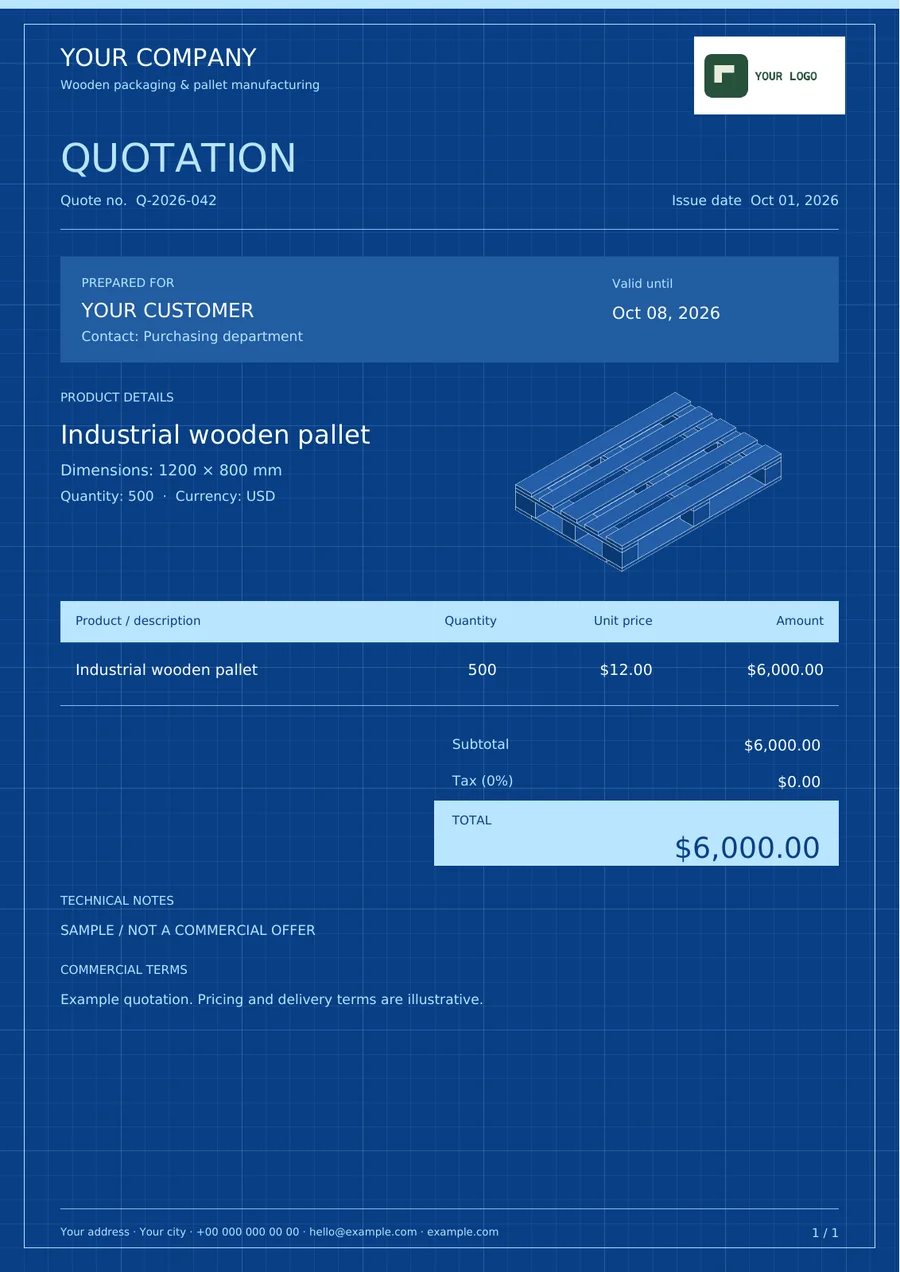
Choose blocks or stringers. Palo guides you from the top deck to the base.
3D, technical or both. Corporate or creative.
Add your company details and download your drawing and quotation PDFs.
Maestro Palo takes your saved drawing into a three-dimensional studio: product image, company poster and presentation video.
One account for your designs, templates and quotations.
Choose blocks or stringers. Palo guides you from the top deck to the base.
3D, technical or both. Corporate or creative.
Add your company details and download your drawing and quotation PDFs.
Maestro Palo takes your saved drawing into a three-dimensional studio: product image, company poster and presentation video.
Practical guides
Start with the task you need, illustrated with real product outputs.
Design a wooden pallet in your browser, check carriers and blocks, and prepare a dimensioned drawing and parts list from the same model.
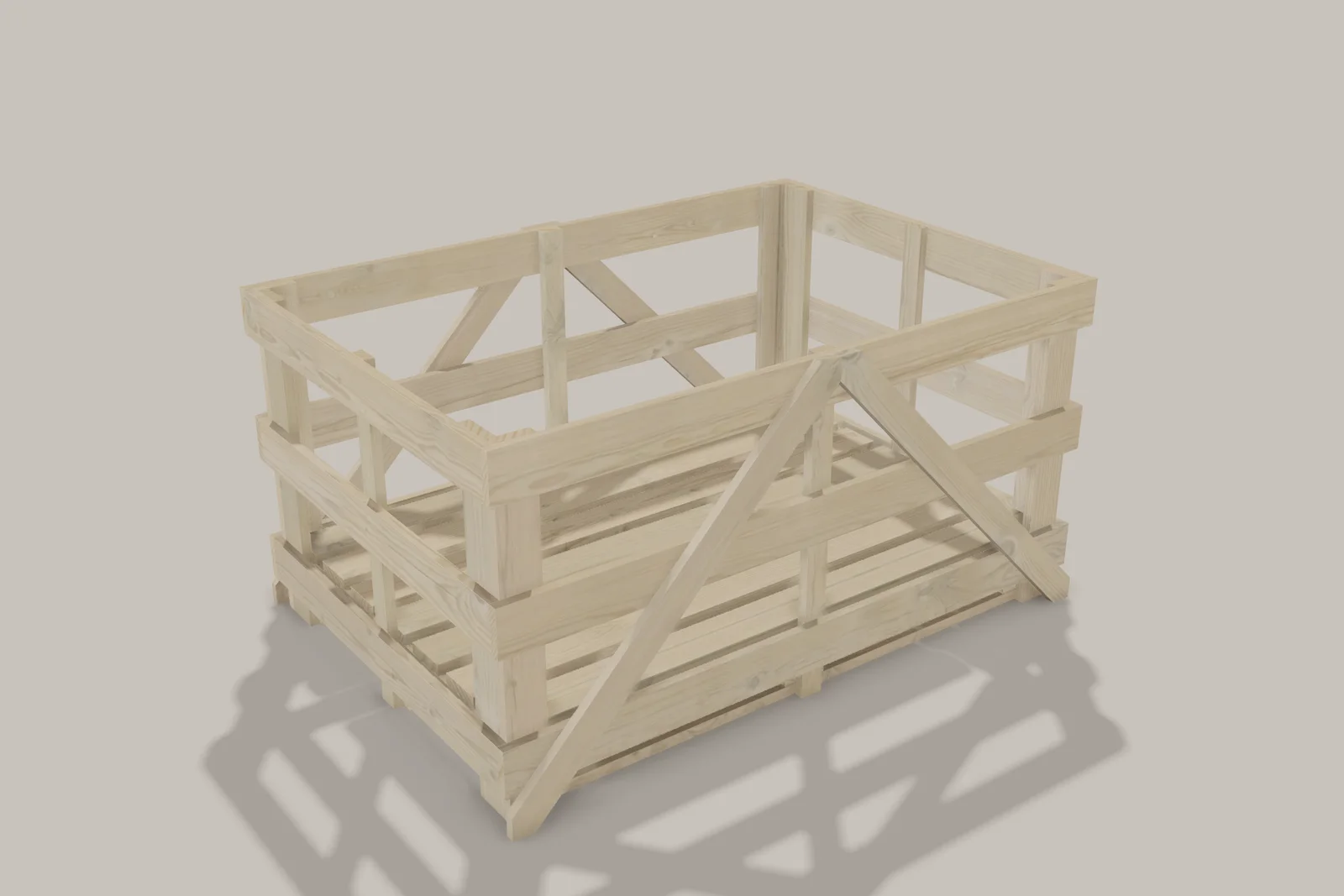
02Find the crate designer, choose a base and set clear inside dimensions, posts, walls and a custom lid with a live 3D preview.
03Prepare dimensioned views, a combined 3D PDF, a component list and your company title block, then check the document before sharing.
04Move beyond the default three carriers and nine blocks. Set support quantities, inspect component spacing and check raised bearer placement.
05Bring a saved pallet or crate into the browser studio, then set wood appearance, camera, logos and markings for product images and video.
06Create square product cards from saved designs, choose drawing download permissions and track customer quote requests in your catalog inbox.
We build PalletDrawing for you. Have an idea, a problem or a feature you'd like us to add? Write to us. It reaches us directly.
Your email is used only to reply to you · Privacy Policy